
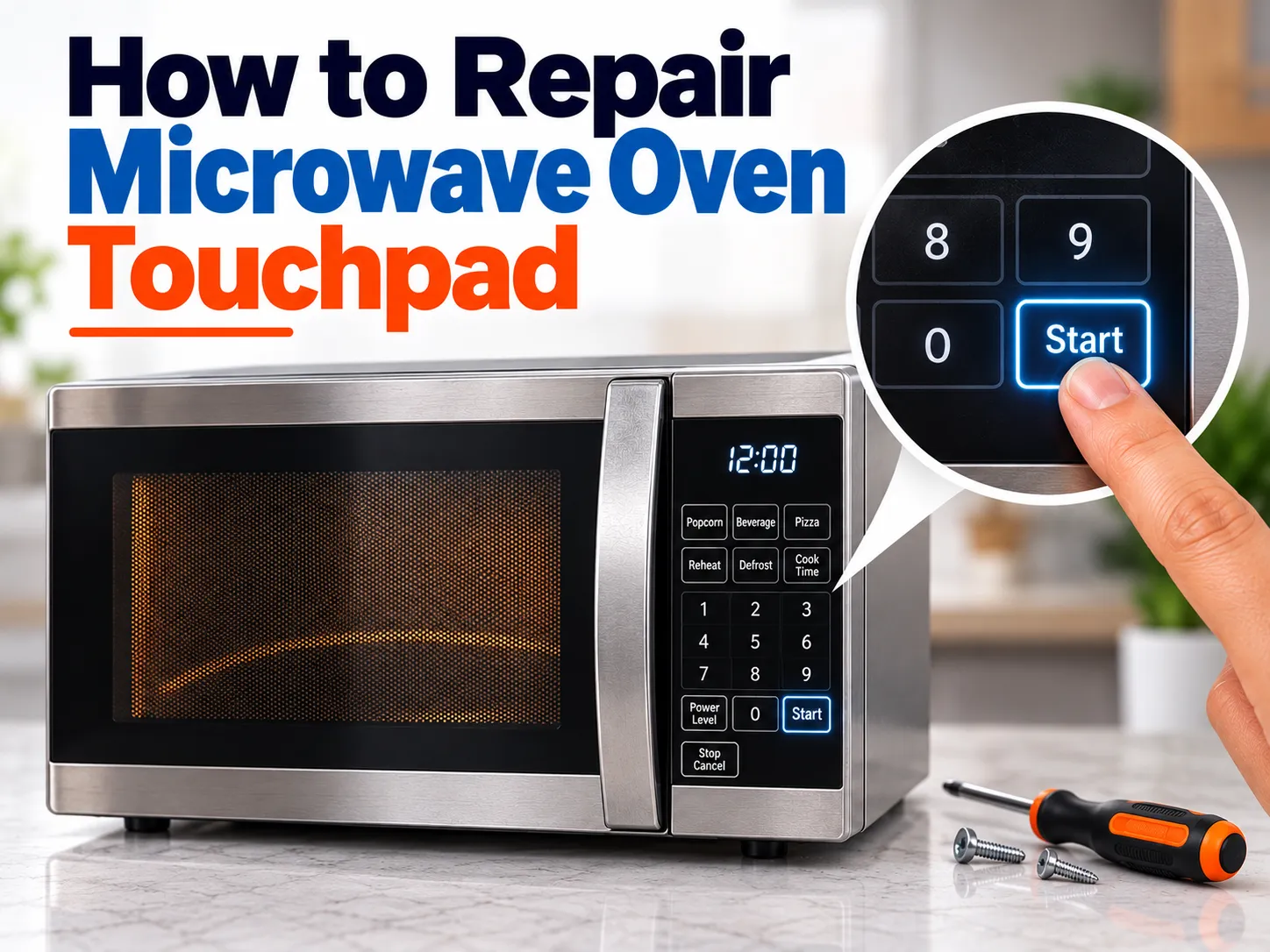
How to Repair Microwave Oven Touchpad: Causes, Fixes, Testing & Future Repair Options
A microwave oven touchpad may stop responding because of a temporary control glitch, Control Lock, moisture, dirt, a damaged membrane keypad, a ribbon-cable connection problem, or a faulty control board. The safest first steps are to clean and dry the panel, check whether Control Lock is enabled, perform a power reset according to the manufacturer’s instructions, and observe which buttons are affected.
If the touchpad still does not respond, the problem may require inspection of the membrane keypad or electronic control system by a qualified microwave technician. Do not remove the microwave cabinet yourself unless you are trained to work safely around high-voltage appliance circuits.
Quick Answer: How Do You Repair a Microwave Oven Touchpad?
To troubleshoot a microwave touchpad:
- Disconnect the microwave from power before cleaning or external inspection.
- Clean the touchpad with a soft, lint-free cloth.
- Make sure the panel is completely dry.
- Check whether Control Lock or Child Lock is active.
- Follow the manufacturer’s instructions for resetting the microwave.
- Test several buttons and note whether one, some, or all buttons fail.
- If only certain keys fail, the membrane keypad may be worn or damaged.
- If the display works but the entire keypad is unresponsive, the membrane, connection, or control board may be involved.
- If the microwave behaves as though a button is being pressed by itself, stop using it and arrange professional service.
- If internal testing or replacement is required, have the microwave inspected by a qualified technician.
A microwave touchpad is not always something that can be repaired by simply pressing harder or cleaning the surface. In many models, the keypad contains a membrane switch that sends electrical signals to the control board.
What Is a Microwave Oven Touchpad?
The touchpad, also called a microwave keypad, membrane keypad, touch panel, or membrane switch, is the user-input section of the microwave.
When you press a key, the keypad sends an electrical signal to the control board. The control board then interprets that command and controls functions such as cooking time, power level, Start, Stop and other programmed settings.
Many membrane keypads use thin layers containing conductive tracks. Pressing a key changes the electrical connection between parts of the membrane and sends an input signal to the control system. PartSelect and Fix.com describe this membrane-switch design and explain that repeated use can eventually wear the conductive material.
Modern microwaves may also use capacitive touch controls. For example, Samsung notes that some of its microwave models use capacitive touch panels and recommends touching the controls correctly rather than applying excessive force.
Microwave Touchpad Not Working? Identify the Symptom First
The exact symptom can help narrow down the problem.
| Touchpad symptom | Possible cause | What to do |
|---|---|---|
| No buttons respond but display works | Control Lock, membrane problem, connection or control board issue | Check lock, reset and arrange diagnosis if unresolved |
| Only one or two buttons fail | Worn or damaged keypad/membrane | Professional keypad inspection may be required |
| Some buttons work and others do not | Membrane keypad wear or damaged conductive track | Test the keypad |
| Buttons work intermittently | Moisture, contamination, membrane deterioration or connection issue | Stop using if behaviour becomes unpredictable and arrange inspection |
| Display is completely dead | Power supply, fuse or control system issue | Do not open the appliance yourself |
| Microwave starts behaving as if a button is constantly pressed | Possible keypad/control fault | Stop using it and seek professional service |
| Touchpad works after cleaning | Surface contamination or moisture | Keep the panel clean and dry |
This symptom-first approach is important because replacing the keypad without identifying the actual failure can waste money.
Why Does a Microwave Touchpad Stop Working?
1. Control Lock Is Enabled
Before assuming the touchpad is broken, check whether the microwave’s Control Lock or Child Lock is active.
Depending on the model, the display may show a lock symbol, “LOC,” “LOCK,” or another indicator. The procedure for disabling the lock differs between manufacturers and models, so check the owner’s manual.
Samsung specifically recommends checking Control Lock when certain buttons do not respond.
2. Dirt, Grease or Moisture Is Affecting the Panel
Microwave control panels are frequently exposed to cooking vapour, grease and moisture.
A dirty or wet surface can interfere with touch detection, particularly on models that use capacitive touch controls. Samsung recommends cleaning the panel with a damp lint-free or microfiber cloth and making sure the surface is completely dry afterward.
Never spray liquid directly onto the control panel.
Instead:
- Switch the appliance off.
- Disconnect it from power.
- Use a soft cloth.
- Remove grease and food residue gently.
- Keep moisture away from openings and edges.
- Allow the surface to dry completely.
3. The Microwave Needs a Reset
Electronic controls can occasionally experience temporary glitches.
A power reset can sometimes restore normal operation. Samsung recommends disconnecting the microwave from power for one minute and then reconnecting it as part of its troubleshooting procedure.
However, resetting will not repair a physically damaged membrane or failed control board. If the problem repeatedly returns, further diagnosis is needed.
4. The Membrane Keypad Has Worn Out
This is one of the important causes of touchpad failure.
A membrane keypad contains conductive layers and switching areas. Every time a button is pressed, the corresponding circuit is activated.
After years of repeated use, the conductive material or internal switching area can deteriorate.
You may notice:
- Start does not respond.
- Stop/Cancel does not respond.
- Number keys stop working.
- One frequently used key works only after repeated attempts.
- Some buttons work while others remain completely dead.
PartSelect and Fix.com both identify membrane-switch wear as a cause of non-responsive microwave buttons.
5. Ribbon Cable or Connector Problem
The keypad communicates with the control board through an electrical connection, commonly involving a flat ribbon cable.
If that connection is damaged, contaminated, improperly seated or otherwise defective, the control board may not receive the expected keypad signal.
This can produce symptoms that look exactly like a bad touchpad.
Niceone also identifies loss of contact between the membrane cable and connector as one possible failure point.
Because accessing these internal components requires opening the appliance, this is better handled by a trained technician.
6. Control Board Failure
The control board is responsible for processing the signals from the keypad.
If the keypad is functioning but the control board cannot interpret the input, pressing buttons may produce no useful response.
PartSelect and Fix.com both identify the control board as another possible cause when the membrane switch and its connection are not responsible.
A faulty board may also cause additional electronic symptoms.
Can You Repair a Microwave Touchpad Yourself?
There is an important difference between external troubleshooting and internal microwave repair.
Safe external checks
Most homeowners can reasonably perform basic external checks such as:
- Checking the display for Control Lock.
- Cleaning the outside of the control panel.
- Drying the panel.
- Performing a manufacturer-recommended reset.
- Observing which buttons respond.
- Checking the owner’s manual.
Internal repair
Replacing a membrane keypad, ribbon connection or control board can require removal of the microwave’s cabinet or control assembly.
That is not a simple cleaning job.
A microwave contains high-voltage components, and internal electrical hazards can remain even after the appliance has been disconnected from power. For this reason, homeowners without appropriate training should not open the microwave cabinet to diagnose or repair internal components.
This is particularly important because an incorrect repair can create an electrical or fire hazard.
How Does a Technician Diagnose a Microwave Touchpad?
A professional diagnosis normally starts with the symptoms rather than immediately replacing parts.
The technician may:
- Identify the microwave’s exact model.
- Check the reported keypad symptoms.
- Inspect the external panel.
- Check for signs of moisture or physical damage.
- Verify the relevant control settings.
- Inspect the keypad and its electrical connection.
- Test the membrane switch using the appropriate service information and equipment.
- Check the control board if the keypad is functioning.
- Determine whether the keypad, connection or control board requires replacement.
- Test the microwave after repair.
PartSelect and Fix.com describe testing the membrane switch for continuity and checking the control board when the membrane and connection are not the cause.
How Can You Tell If the Touchpad or Control Board Is Bad?
A useful starting point is the pattern of failure.
If only some buttons are dead
A worn membrane keypad becomes more likely.
If every button is dead but the display works
The problem could involve Control Lock, the keypad, its connection or the control board.
If the panel behaves randomly
Moisture, a damaged keypad, electrical connection problems or control electronics may be involved.
If the microwave activates a command without the button being touched
Stop using the microwave and arrange professional service. Samsung specifically recommends professional assistance when the control panel activates by itself.
These patterns are useful clues, but they do not replace model-specific testing.
Should You Repair or Replace the Microwave Touchpad?
The answer depends on the microwave’s age, model, availability of parts and the cost of diagnosis and repair.
A technician may recommend keypad replacement when:
- The membrane has clearly failed.
- The microwave is otherwise working normally.
- A compatible replacement keypad is available.
- Repair cost is reasonable compared with replacing the appliance.
A control-board repair may be considered when:
- The keypad tests correctly.
- The control system is not processing the input.
- A suitable board is available.
- The overall appliance remains economical to repair.
For an older microwave with several unrelated problems, replacement may make more practical financial sense.
What Is the Difference Between a Touchpad, Membrane and Control Board?
These terms are often used interchangeably online, but they are not exactly the same thing.
Touchpad: The user-facing area where you enter commands.
Membrane keypad: The electrical switching layer behind many touchpad designs.
Ribbon cable: The flexible electrical connection carrying signals between the keypad and control electronics.
Control board/PCB: The electronic circuit that receives and processes keypad signals and controls the microwave’s functions.
Understanding this difference helps prevent the common mistake of assuming that every unresponsive button automatically means the entire control board has failed.
How to Prevent Microwave Touchpad Problems
You cannot prevent every electronic failure, but good usage can reduce unnecessary wear.
Keep the panel dry
Do not allow steam, water or cleaning liquid to collect around the control panel.
Do not press buttons excessively hard
A keypad is designed to respond to normal input. Excessive force can damage the switching structure over time.
Clean the panel regularly
Remove grease and food residue with a soft cloth rather than aggressive scrubbing.
Keep wet hands away from the controls
Dry your hands before operating the panel.
Follow the manufacturer’s installation requirements
Adequate ventilation and correct installation help protect the appliance’s electronic components.
Protect the microwave from electrical problems
Where local electrical conditions are unstable, appropriate electrical protection may help protect sensitive electronics. The correct solution depends on the appliance, electrical installation and manufacturer’s recommendations.
Niceone also discusses rough button operation and voltage fluctuations as factors that may contribute to membrane-switch problems.
How Will Microwave Touchpads Be Repaired in the Future?
Microwave touchpad repair is likely to become more electronics-focused as manufacturers use more advanced interfaces.
Future microwave control systems may increasingly use:
Capacitive touch controls
Instead of relying on physical membrane contact, capacitive interfaces detect changes caused by a user’s touch. Samsung already uses capacitive touch controls on some microwave models.
More modular control panels
Future appliances could use replaceable control modules that allow technicians to change the failed interface without replacing a larger assembly.
Better moisture resistance
Improved sealing and materials may help protect touch controls from cooking vapour and condensation.
More durable conductive materials
Membrane switches may use improved conductive materials and printed electronics designed to withstand repeated use.
Diagnostic electronics
Connected appliances may increasingly identify control-panel faults and display diagnostic information that helps technicians locate the defective component faster.
Software-based diagnostics
As smart appliances become more common, manufacturers may provide built-in diagnostic systems that distinguish between a touch-interface fault, communication problem and control-board failure.
However, future technology does not mean every microwave touchpad will be repairable at component level. Some manufacturers may continue to supply complete control-panel assemblies rather than individual keypad components.
Can Reboot IT Repair a Microwave Touchpad?
If your microwave touchpad is not responding, Reboot IT can help diagnose the problem and determine whether the fault is related to the keypad, control system or another microwave component.
Instead of immediately replacing an expensive part, proper diagnosis can help identify the actual source of the problem.
Customers should provide the technician with:
- Microwave brand
- Model number
- Approximate age
- Which buttons are not working
- Whether the display is working
- Whether the microwave beeps
- Whether the problem is constant or intermittent
- Whether the appliance has recently been exposed to moisture or a power problem
This information can make diagnosis more efficient.
Frequently Asked Questions
How do I fix a microwave touchpad that is not responding?
Start by checking Control Lock, cleaning and drying the panel, and performing the manufacturer’s recommended power reset. If the touchpad remains unresponsive, the membrane keypad, connection or control board may require professional diagnosis.
Why does my microwave display work but the buttons do not?
A working display with unresponsive buttons can indicate a keypad/membrane problem, Control Lock, a connection issue or a control-board fault. The exact cause depends on the model and symptoms.
Can a microwave touchpad be repaired?
Sometimes the underlying problem can be repaired, but many damaged membrane keypads are replaced rather than repaired at the individual conductive-track level. A technician can determine whether the keypad, connection or control board is responsible.
Why do only some microwave buttons work?
When only certain keys fail, a worn or damaged section of the membrane keypad is one possible cause. The keypad should be tested before purchasing a replacement part.
Can I clean my microwave touchpad?
Yes. Disconnect the microwave before cleaning and use a soft, lint-free cloth. Do not spray liquid directly onto the control panel, and make sure the panel is completely dry before using the appliance.
Why is my microwave touchpad pressing buttons by itself?
Unexpected button activation can indicate a keypad or control-system fault. Stop using the microwave and arrange professional inspection rather than continuing to operate it.
Does unplugging a microwave reset the touchpad?
A power reset can clear some temporary electronic problems, but it cannot repair a physically damaged membrane, connector or control board. Follow the reset instructions for your specific model.
Is it safe to open a microwave to repair the touchpad?
Opening the microwave cabinet can expose you to hazardous high-voltage components. Internal touchpad and control-board repairs should be performed by someone appropriately trained and equipped for microwave servicing.
How long does a microwave touchpad last?
There is no single lifespan for every microwave touchpad. Durability depends on the design, frequency of use, environmental conditions and how the controls are operated.
Is replacing the touchpad better than buying a new microwave?
It depends on the microwave’s age, overall condition, replacement-part availability and repair cost. A professional diagnosis can help you compare the repair with replacement.
Final Takeaway
A microwave touchpad that stops responding does not automatically mean that the entire microwave has failed.
The problem may be something simple such as Control Lock, moisture, contamination or a temporary electronic glitch. If those checks do not solve the problem, the membrane keypad, ribbon connection or control board may need further diagnosis.
The most important step is not to replace parts based only on symptoms. A proper diagnosis can identify whether the fault is in the touchpad or the electronics behind it.
For homeowners in Kolkata, Reboot IT can help investigate microwave control-panel and keypad problems and identify the appropriate repair route.
If the microwave shows unpredictable behaviour, activates controls without being touched, has signs of electrical damage, or requires internal access, stop using it and arrange professional service rather than attempting a cabinet-level repair yourself.