
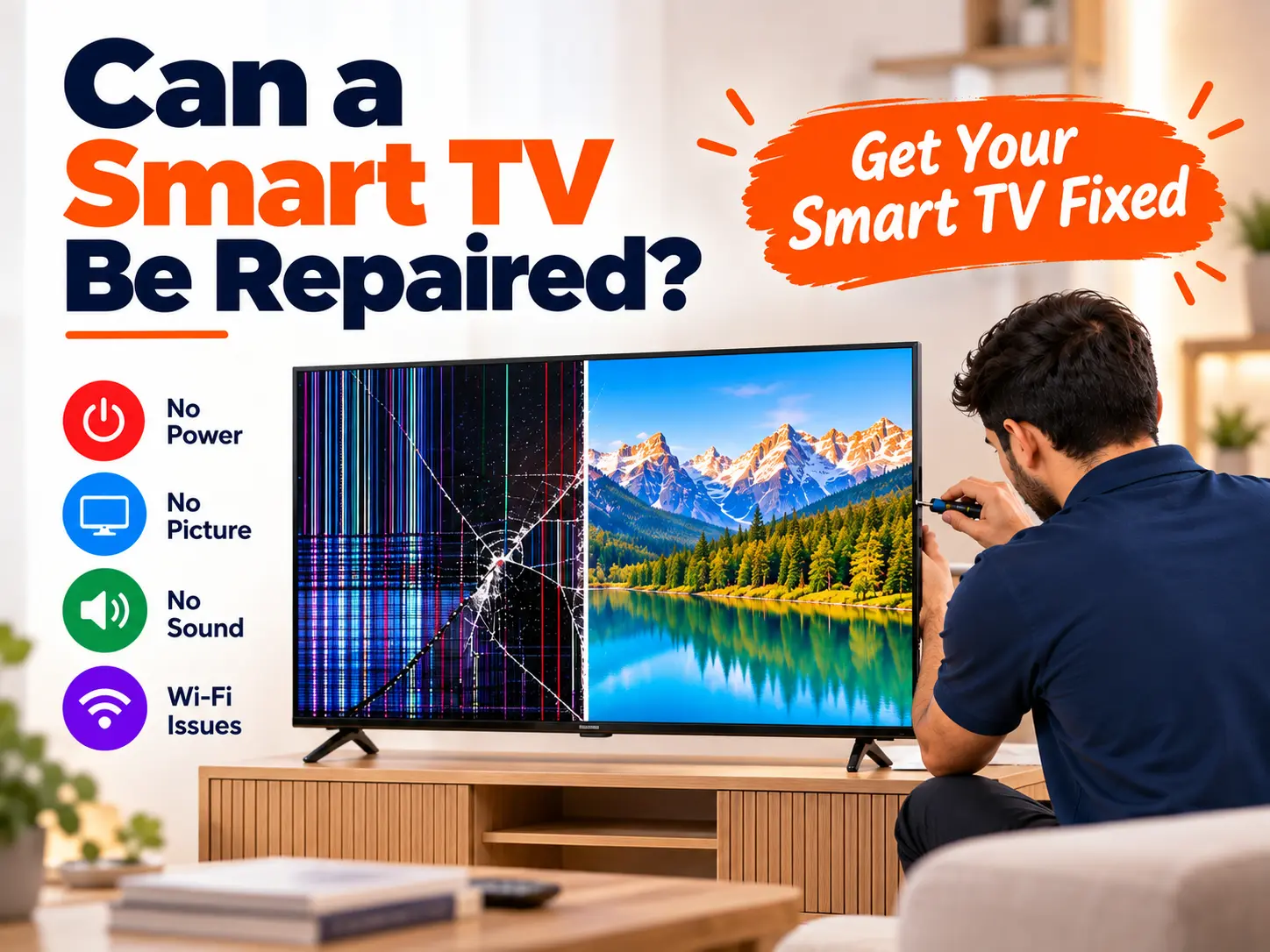
Can a Smart TV Be Repaired?
Yes, a Smart TV can often be repaired. The answer depends on the problem. Many Smart TV faults come from the power board, main board, backlight, software, Wi-Fi, HDMI ports, speakers, or loose connections. These parts can often be repaired or replaced. However, a badly cracked display panel is different. A broken panel may need full screen replacement, which can be costly. Before buying a new TV, it is better to find the real fault and compare the repair cost with the value of the TV. A proper diagnosis can help you avoid replacing a TV that may still be repairable.
What Problems Can Be Repaired in a Smart TV?
Smart TVs have many parts working together. A problem with one part does not always mean that the whole TV is damaged.
Common repairable problems include:
- TV does not turn on
- TV has sound but no picture
- Black screen
- Dim or dark picture
- Backlight failure
- TV keeps restarting
- TV gets stuck on the logo
- Wi-Fi does not connect
- HDMI port does not work
- No sound
- Remote control problems
- Software or system problems
- Loose internal connections
- Power board faults
- Main board faults
A technician should check the TV before deciding that the whole TV needs replacement.
Smart TV Repair: What Can Be Fixed?
| Smart TV Problem | Possible Cause | Can It Be Repaired? |
|---|---|---|
| TV will not turn on | Power board, cable or main board | Often yes |
| Sound but no picture | Backlight or display circuit | Often yes |
| Wi-Fi not working | Software, module or connection | Often yes |
| TV keeps restarting | Software or main board | Often yes |
| HDMI not working | HDMI port or circuit | Often yes |
| Cracked screen | Damaged display panel | Usually panel replacement |
The exact repair depends on the TV brand, model, age and damaged part.
What Are the Most Common Smart TV Problems?
Smart TVs can have both hardware and software problems. Sometimes the solution is very simple. Other times, a technician needs to test the internal parts.
Here are some common problems.
1. Smart TV Is Not Turning On
If your Smart TV does not turn on, start with the easy checks.
Check:
- The power cable
- Wall socket
- Extension board
- Remote batteries
- TV power button
- Standby light
Try another working socket. You can also try turning the TV on using the physical button on the TV.
If there is still no response, the power supply or another internal part may have a fault.
Do not open the TV yourself if you do not have electrical repair training.
2. Smart TV Has Sound but No Picture
This is a common Smart TV problem.
You may hear:
- TV channels
- YouTube sound
- Netflix sound
- Notification sounds
But the screen stays dark.
One possible cause is a failed LED backlight. In some cases, a technician can identify this with a flashlight test or other diagnostic checks.
Other possible causes include:
- T-Con board
- Main board
- Display connection
- Panel problem
- Power supply problem
So, sound with no picture does not automatically mean that the TV screen is completely dead.
3. Smart TV Screen Is Black
A black screen can have several causes.
| What You See | Possible Problem | First Check |
|---|---|---|
| No power at all | Power problem | Socket and cable |
| Sound but black picture | Backlight/display problem | Picture and flashlight test |
| Logo appears then screen goes black | Software or hardware | Restart and settings |
| Black screen on one HDMI input | HDMI/device problem | Try another input |
| Black screen with lines | Display circuit/panel problem | Professional diagnosis |
This is why replacing a board without testing the TV first is not a good idea.
A proper diagnosis can save money.
4. Smart TV Backlight Problem
Modern LED TVs use backlights to make the picture visible.
A backlight problem may cause:
- Very dark picture
- Black screen with sound
- Uneven brightness
- Dark areas
- Flickering brightness
If a faint picture can be seen when a flashlight is placed close to the screen, the backlight may be the problem.
A technician can test the backlight system and replace damaged LED strips when suitable.
5. Smart TV Has Lines on the Screen
Lines can appear vertically or horizontally.
Possible causes include:
- Loose cable
- T-Con problem
- Main board problem
- Display connection
- Panel fault
A loose connection may be repairable.
However, if the actual display panel is damaged, the repair may become much more expensive.
Do not press the screen to try to remove lines. Pressure can cause more damage.
6. Smart TV Keeps Restarting
Does your TV turn on and then restart again and again?
This is sometimes called a boot loop.
Possible causes include:
- Software error
- Failed update
- Main board fault
- Power supply problem
- Storage problem
- Overheating
Try a basic power reset first.
Unplug the TV, wait for a few minutes and connect it again.
If the problem continues, professional diagnosis may be needed.
7. Smart TV Is Stuck on the Logo
Sometimes a Smart TV shows its brand logo but does not go further.
For example, you may see the logo and then the TV freezes.
Possible causes include:
- Corrupt software
- Failed update
- Main board problem
- Internal storage problem
- Power problem
Some TVs can be recovered through software or firmware work. Others may need board repair or replacement.
The correct solution depends on the model.
8. Smart TV Wi-Fi Is Not Working
A Smart TV may turn on normally but fail to connect to Wi-Fi.
Before assuming that the TV has a hardware fault, check your internet connection.
Try:
- Restart the router.
- Restart the TV.
- Check the Wi-Fi password.
- Try another Wi-Fi network if possible.
- Check whether other devices connect to the same network.
- Update the TV software if an update is available.
If other devices work but the TV still cannot connect, the problem may be related to the TV’s software, Wi-Fi module, antenna or internal circuit.
9. Smart TV HDMI Port Is Not Working
HDMI ports are used for devices such as:
- Gaming consoles
- DTH boxes
- Laptops
- Streaming devices
- Blu-ray players
- Sound systems
If one HDMI port does not work, try another port.
Also try:
- Another HDMI cable
- Another external device
- Another input source
If other HDMI ports work but one port does not, the individual port or its circuit may need repair.
10. Smart TV Has No Sound
If the picture works but there is no sound, first check the TV settings.
Check:
- Volume level
- Mute setting
- Audio output
- Bluetooth connection
- Soundbar connection
- HDMI audio settings
If the settings are correct, the speaker, amplifier circuit or main board may need inspection.
Can a Cracked Smart TV Screen Be Repaired?
A physically cracked Smart TV display is one of the harder problems to repair.
If the actual display panel is cracked, it normally cannot be repaired like a cracked phone screen. The practical repair is usually replacement of the complete display panel.
This can be expensive because the display is one of the most important and costly parts of a modern TV.
iFixit also separates cracked-screen problems from other television faults and notes that a cracked panel may require replacement rather than a simple repair.
What Should You Do If Your TV Screen Is Cracked?
Do not:
- Press the cracked area
- Bend the screen
- Apply glue
- Pour liquid on the crack
- Try to open the panel without proper skills
Instead:
- Switch off the TV.
- Unplug it.
- Do not touch broken glass.
- Take a clear photo of the damage.
- Note the TV brand and model.
- Ask a technician for a panel replacement quote.
- Compare the quote with the price of a similar new TV.
Repairable vs. Usually Not Worth Repairing
| Fault | Repair Possibility | What May Be Needed |
|---|---|---|
| Power cable problem | High | Cable replacement |
| Power board fault | Often high | Board repair/replacement |
| Backlight failure | Often high | LED strip replacement |
| Wi-Fi problem | Often high | Software/module repair |
| HDMI problem | Often high | Port/circuit repair |
| Speaker problem | Often high | Speaker/circuit repair |
| Main board fault | Depends | Board repair/replacement |
| Cracked display panel | Low | Full panel replacement |
The word “repairable” does not always mean “economical.”
A TV may technically be repairable, but the cost of the required part may be too high compared with buying another TV.
Should You Repair or Replace Your Smart TV?
There is no single answer for every TV.
Consider these factors:
- Age of the TV
- Original purchase price
- Current TV price
- Repair cost
- Availability of replacement parts
- Screen condition
- Warranty status
- Overall TV condition
- Brand and model
For example, repairing a small older TV with an expensive panel may not make financial sense.
But repairing a newer TV with a faulty power board or backlight may be a practical option.
Simple Repair Decision Table
| Situation | What to Consider |
|---|---|
| New TV + small fault | Repair may make sense |
| Older TV + expensive board | Compare repair and replacement |
| Sound but no picture | Get backlight/display diagnosis |
| Wi-Fi problem | Check software before replacing boards |
| Cracked panel | Ask for panel replacement price |
| TV has multiple faults | Compare total repair cost |
Always ask for a diagnosis before approving an expensive repair.
What Should a Technician Check Before Repairing a Smart TV?
A good diagnosis should look at the actual problem instead of replacing parts by guesswork.
A technician may check:
- Power input
- Standby voltage
- Power board
- Main board
- Backlight
- T-Con system
- Display connections
- HDMI ports
- Wi-Fi
- Speakers
- Software
- Internal cables
iFixit’s television troubleshooting structure also focuses on identifying the problem first, including no power, no picture, lines, and no sound.
What Information Should You Give a TV Repair Technician?
Before calling a repair service, collect a few simple details.
| Information | Example |
|---|---|
| Brand | Samsung |
| Model | UA55XXXX |
| Screen Size | 55 inch |
| Problem | Sound but no picture |
| When It Started | Today |
| Recent Event | Power cut |
| Visible Damage | No |
You can also take a short video of the problem.
This can help the technician understand the issue before visiting.
Can You Repair a Smart TV at Home?
Some basic checks are safe for most users.
You can usually:
- Check the power cable
- Try another socket
- Replace remote batteries
- Restart the TV
- Restart the router
- Check HDMI cables
- Try another HDMI port
- Check audio settings
- Disconnect external devices
But opening the back of a TV is different.
TVs contain electrical components that can be dangerous. iFixit specifically includes safety guidance for television repair and highlights the risks associated with older CRT television systems.
If you are not trained in electronics repair, do not open the TV to test internal boards.
5 Simple Things to Try Before Calling a Technician
1. Power Reset
Switch off the TV and unplug it. Wait for a few minutes and connect it again.
2. Check the Socket
Try another working wall socket.
3. Remove External Devices
Disconnect HDMI, USB and other external devices. Then try starting the TV.
4. Check the Remote
Replace the remote batteries and try the physical TV button.
5. Check the Cables
Make sure HDMI, power and other cables are connected properly.
These simple checks can sometimes solve problems without any internal repair.
How Much Does Smart TV Repair Cost?
Smart TV repair prices vary from one TV to another.
The final price can depend on:
- Brand
- Model
- Screen size
- Fault
- Part availability
- Labour
- Board availability
- Panel price
| Repair Type | Cost Depends Mainly On |
|---|---|
| Backlight repair | Screen size and LED parts |
| Power board repair | Fault and board model |
| Main board repair | Model and board damage |
| HDMI repair | Port and circuit damage |
| Wi-Fi repair | Module or circuit problem |
| Panel replacement | Model, size and panel availability |
Avoid treating online price ranges as fixed prices. A technician should inspect the TV and provide a quote based on the actual fault.
How Reboot IT Can Help With Smart TV Problems
If your Smart TV is not working properly, Reboot IT can help you understand the problem before you decide whether to repair or replace the TV.
A proper repair process should focus on diagnosis first.
Reboot IT can assess common problems such as:
- Smart TV not turning on
- No picture
- Sound but no picture
- Display problems
- HDMI problems
- Software issues
- TV restarting
- Other common Smart TV faults
The goal is simple: find the actual problem and then suggest the suitable repair option.
For customers searching for Smart TV repair, Reboot IT can be a useful option for getting the TV checked by a technician.
How to Prevent Smart TV Problems
A few simple habits can help protect your TV.
Keep the TV Ventilated
Do not block the ventilation areas around the TV.
Protect It From Power Surges
A suitable surge protector can help protect electronic devices from sudden voltage changes.
Clean the Screen Carefully
Use a soft microfiber cloth. Do not press hard on the screen.
Keep Liquids Away
Do not spray liquid directly onto the TV screen.
Avoid Physical Pressure
Do not press, hit or move the screen roughly.
Keep Software Updated
Install official software updates when they are available and suitable for your TV.
7 Signs Your Smart TV Needs Professional Repair
You should consider professional help when:
- The TV has no power.
- The TV has sound but no picture.
- The TV keeps restarting.
- The TV is stuck on the logo.
- The screen has lines or flickering.
- HDMI ports stop working.
- The TV has internal burning, smoke or unusual sounds.
If you notice smoke, sparks or a burning smell, switch off and unplug the TV immediately. Do not continue using it.
Smart TV Repair: Common Mistakes to Avoid
| Mistake | Why It Can Be a Problem |
|---|---|
| Opening the TV without training | Electrical and physical safety risks |
| Pressing a damaged screen | Can increase panel damage |
| Replacing parts without testing | May waste money |
| Using random firmware | Can cause software problems |
| Using glue on a cracked panel | Does not restore the display |
| Ignoring overheating | Can cause repeated faults |
| Buying a board without checking model | Parts may not be compatible |
A proper diagnosis is usually the first step toward the right repair.
Frequently Asked Questions
Can a Smart TV be repaired?
Yes. Many Smart TV problems can be repaired. Power faults, backlight problems, software issues, Wi-Fi faults, HDMI problems, speaker faults and some main board problems may be repairable. A cracked display panel is different and may require complete panel replacement.
Is it worth repairing a Smart TV?
It depends on the TV’s age, fault, repair price and part availability. A small electronic fault may be worth repairing, while an expensive display panel can make replacement more practical.
Can a Smart TV with no picture be repaired?
Often, yes. A TV with no picture may have a backlight, power, T-Con, main board, connection or panel problem. A technician should identify the exact cause before deciding on the repair.
Can a Smart TV with sound but no picture be repaired?
Yes, in many cases. A failed backlight is one possible cause. Other parts can also cause the problem, so testing is important.
Can a cracked Smart TV screen be repaired?
A physically cracked display panel normally needs panel replacement rather than a simple repair. The cost should be compared with the price of a new TV.
Why does my Smart TV keep restarting?
Possible causes include software problems, power problems, overheating, main board faults or internal storage issues. A power reset may help, but repeated restarting may need professional diagnosis.
Why is my Smart TV stuck on the logo?
The TV may have a software, firmware, storage, power or main board problem. Some models can be recovered with software repair, while others may require hardware work.
Why is my Smart TV not connecting to Wi-Fi?
Start by checking the router, Wi-Fi password and TV settings. If other devices work normally but the TV does not, the TV may have a software, Wi-Fi module or hardware problem.
Can HDMI ports on a Smart TV be repaired?
Sometimes. A damaged HDMI port or its related circuit may be repairable. Testing with another cable and another HDMI device should be done first.
Can a Smart TV backlight be replaced?
In many LED TVs, damaged backlight strips can be replaced. The technician should first confirm that the backlight is the actual cause of the problem.
Should I repair an old Smart TV?
Check the TV’s age, condition, repair cost and part availability. An inexpensive repair may make sense, while a high-cost panel or board replacement may need a comparison with a new TV.
Can I repair my Smart TV myself?
Basic troubleshooting such as checking cables, power, settings and external devices is usually reasonable. Opening the TV and working on internal electronics is more risky and should be left to a trained technician.
Does a power cut damage a Smart TV?
Power problems can damage electronic equipment, although not every power cut causes damage. If your TV stops working after a power event, the power supply and other components should be checked.
Why is my Smart TV screen very dark?
A very dark picture can be caused by backlight problems, picture settings or other display hardware. Check the brightness settings first. If the picture remains very dark, professional testing may be needed.
Why does my Smart TV have vertical lines?
Vertical lines may come from cables, display circuits, T-Con components or the panel itself. The repair depends on the exact cause.
How do I know if my TV panel is damaged?
Cracks, permanent lines, large black areas, severe colour problems and other display defects can indicate panel damage. A technician can confirm whether the panel or another component is responsible.
Should I replace the whole TV if one part fails?
Not always. Many individual components can be repaired or replaced. The best choice depends on the repair cost, TV age, part availability and condition.
How can I get my Smart TV checked?
Keep the TV model number, screen size and a short video of the problem ready. Then contact a professional TV repair service for diagnosis and a repair estimate.
Does Reboot IT repair Smart TVs?
Reboot IT can assist customers with Smart TV-related repair and troubleshooting requirements. The exact repair option depends on the TV model and fault found during diagnosis.
What should I do before sending my TV for repair?
Remove personal accessories, note the TV model number, record the problem and back up or sign out of accounts if the TV still works. Ask for a diagnosis and repair estimate before approving major work.
Final Answer: Can a Smart TV Be Repaired?
Yes, a Smart TV can often be repaired. Many faults are caused by individual components such as the power board, backlight, main board, Wi-Fi system, HDMI port or software. However, a physically cracked display panel may need full replacement and can be costly. The best approach is to identify the exact fault first and then compare the repair cost with the TV’s age and value.
If you need Smart TV troubleshooting or repair assistance, Reboot IT can help you understand the problem and identify the appropriate next step.