
Professional Monitor Repair in Kolkata
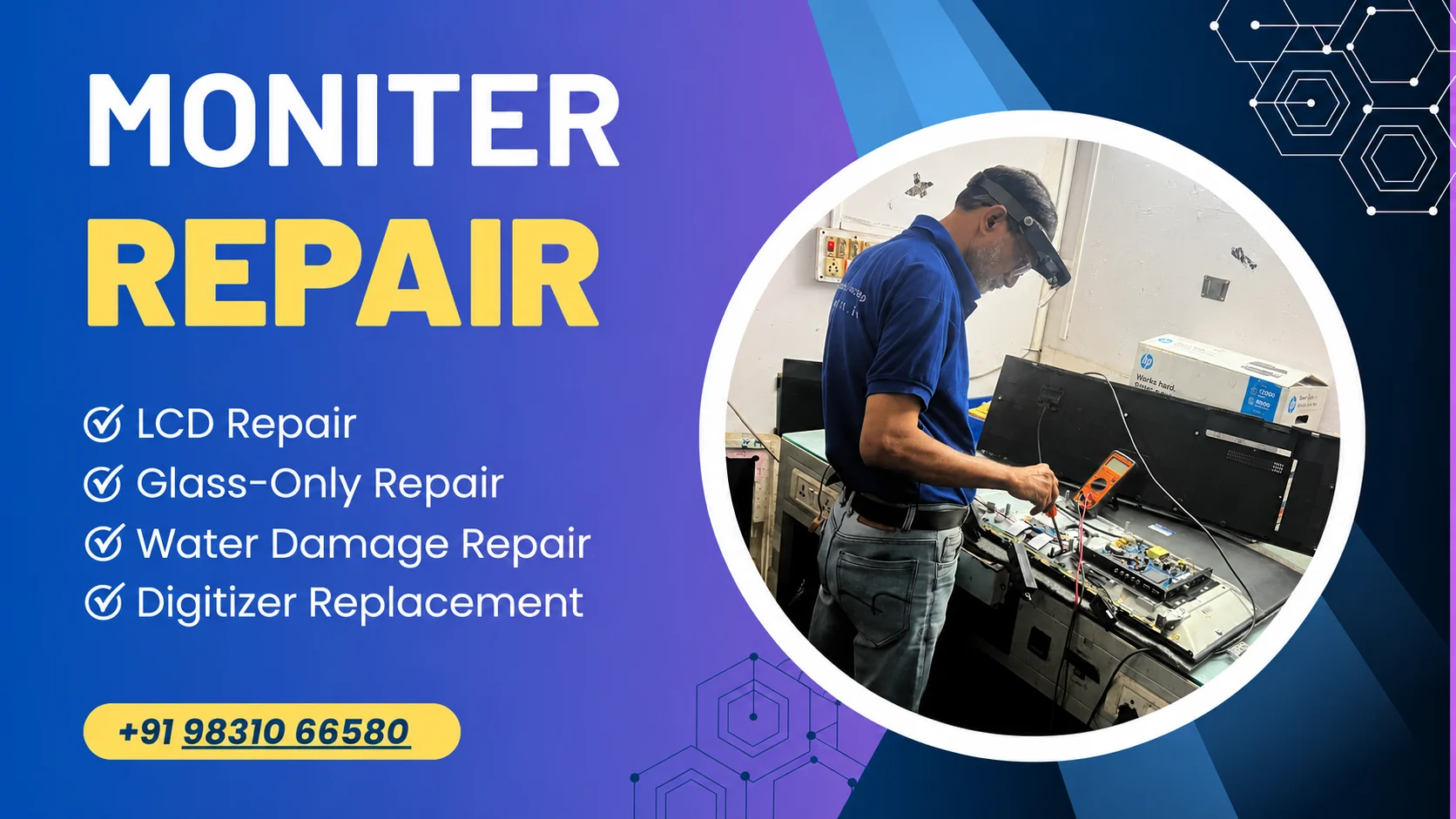
Reboot IT provides professional monitor repair in Kolkata for supported LED, LCD, IPS and gaming monitors. Get expert assistance for no-display, black-screen, flickering, backlight, power and connectivity problems, with diagnosis based on your monitor's actual fault.
Book Now
Reliable LED & LCD Monitor Repair Service in Kolkata - Fast, Affordable & Doorstep Service
Top Brands

Check price
Select your device that needs to be repaired. Get best Pricing.
Schedule Service
Book a free technician visit at your home or work at a time slot that best suits your convenience.
Get Device Repaired
Our super-skilled technician will be there and make it as good as new.
Why Us

Premium Repair
Top quality certified parts

Instant Repair
Repair on the Spot in Cashify Store or at Home

Physical Protection Warranty
Free 1 Month Screen Replacement even if it breaks for all Screen Repair

6 Months Warranty
Hassle free 6 month warranty on parts replaced

Skilled Technicians
Trained & Qualified Professionals

Guaranteed Safety
Total Device & Data Security
Monitor Repair Service in Kolkata for Common Problems
A monitor can show similar symptoms for different reasons. For example, black screen may result from power problem, backlight failure, input issue, cable problem or internal display circuitry.
Our monitor repair service can assist with supported problems such as:
- Monitor not turning on
- No display or black screen
- Screen flickering
- Dim or uneven display
- Horizontal or vertical lines
- Colour distortion
- Dead or stuck pixels
- Backlight failure
- HDMI, VGA or DisplayPort problems
- Power supply or SMPS faults
- Monitor repeatedly turning on and off
- Damaged buttons or controls
- Cracked or physically damaged display
- Internal PCB or motherboard faults
- Liquid or short-circuit-related damage
The appropriate repair depends on the monitor’s model, symptoms, internal condition and availability of suitable components.
LED Monitor Repair in Kolkata
LED monitors generally use an LCD panel with an LED backlight system. Problems with the backlight, power circuit, display board, panel or related components can affect the picture even when the monitor appears to switch on.
Reboot IT provides LED monitor repair in Kolkata for supported models experiencing issues such as:
- No picture with the power indicator on
- Flickering or unstable brightness
- Very dim display
- Backlight failure
- Lines or colour problems
- Power-related faults
- HDMI, VGA or DisplayPort connectivity issues
- PCB or internal circuit faults
A proper diagnosis helps determine whether the issue can be addressed through component or board repair or whether a display component needs replacement.
LCD Monitor Repair in Kolkata
Older LCD monitors can develop power, backlight, display and connectivity problems over time. If an LCD monitor is not displaying properly, diagnosis can help determine whether the problem is related to the power section, backlight, display circuitry, cable, input or panel.
Our LCD monitor repair service in Kolkata can assist with supported issues such as:
- LCD monitor not turning on
- Black or blank screen
- Backlight problems
- Flickering display
- Colour distortion
- Lines on the screen
- Power supply faults
- Input-port problems
- Internal board issues
Repair feasibility depends on the monitor model, fault and availability of suitable components.
Gaming Monitor Repair in Kolkata
Gaming monitors can have higher refresh rates and multiple display interfaces, so problems may affect refresh rate, image stability, colour output or connectivity.
Reboot IT can assist with supported gaming monitor issues including:
- No display
- Flickering
- HDMI or DisplayPort problems
- Power issues
- Backlight faults
- Screen or panel problems
- Colour and image abnormalities
- Internal board faults
The exact repair option depends on the monitor model and the cause of the problem.
Monitor Screen and Display Repair
A screen or display problem should be diagnosed before deciding whether repair or replacement is practical.
Depending on the monitor model and damage, service may involve:
- LED display replacement
- LCD display replacement
- Full HD display replacement
- IPS display replacement
- Supported gaming monitor panel replacement
- Display connector or related circuit repair
A cracked panel and an internal display-circuit fault are different problems. If the panel itself is physically damaged, replacement may be more practical than component-level repair. The available option depends on the model, panel type, condition and component availability.
Monitor Backlight Repair
A monitor can sometimes power on while the screen remains extremely dark or difficult to see. This can indicate a backlight-related problem, although other internal faults can produce similar symptoms.
Common backlight-related symptoms include:
- Very dim screen
- Screen becomes dark after turning on
- Uneven brightness
- Flickering brightness
- Display visible only under external light
The fault may involve the LED backlight system, driver circuit, power section or another internal component. The monitor should be diagnosed before deciding on repair or replacement.
Monitor Power Supply and SMPS Repair
Power-related faults can prevent monitor from starting or cause it to switch off repeatedly.
Common symptoms include:
- No power
- Power indicator not working
- Monitor switches off unexpectedly
- Repeated auto on/off
- Power instability
- Burning smell or visible electrical damage
The power section, SMPS, capacitors, connectors and related circuitry may need inspection.
If you notice smoke, burning smell or visible electrical damage, stop using the monitor and arrange a professional inspection rather than repeatedly attempting to power it on.
HDMI, VGA and DisplayPort Repair
A monitor may appear to have a display fault when the actual problem is related to an input connection, cable or source device.
We can help diagnose supported issues involving:
- HDMI
- VGA
- DisplayPort
- Loose or damaged connectors
- No signal
- Intermittent signal
- Input switching problems
The technician should first determine whether the issue originates from the monitor, cable, connected computer or input source before recommending port or internal-component repair.
Monitor Motherboard and PCB Repair
Internal monitor boards control functions such as power management, image processing and input connectivity. A damaged PCB or motherboard can sometimes produce symptoms similar to screen or power failure.
Depending on the model and fault, repair may involve:
- PCB inspection
- Component-level diagnosis
- Power-circuit repair
- Connector repair
- Signal-related circuit diagnosis
- Board replacement where repair is not practical
Not every board can be repaired economically. The recommended solution should therefore be based on the actual condition of the monitor.
Monitor Brands We Service
Reboot IT provides monitor repair support for supported models from various major monitor brands. Service availability depends on the monitor model, fault and availability of suitable components.
If you have a monitor that requires repair, share the:
- Brand name
- Model number
- Problem description
- Photos of visible damage, if applicable
This information can help determine whether the particular model can be supported.
Professional Monitor Diagnosis Before Repair
A visible symptom does not always identify the faulty component. For example, a black screen could be caused by the backlight, power section, input, cable, display circuitry or another internal component.
A typical diagnostic approach includes:
- Understanding the reported problem – checking when and how the fault occurs.
- Checking power and connections – inspecting the power input and available display connections.
- Testing display output – determining whether the monitor produces an image.
- Checking relevant internal sections – where required, examining the power, backlight, PCB and display-related circuitry.
- Identifying the repair option – determining whether repair, component replacement or board replacement is appropriate.
- Explaining the repair requirement – discussing the applicable repair and replacement requirements before proceeding.
This approach helps avoid replacing components unnecessarily and keeps the repair decision based on the actual condition of the monitor.
Monitor Repair Service for Home and Office in Kolkata
A monitor can be an important part of a home computer, office workstation, design setup or gaming system. Reboot IT provides monitor repair support for eligible residential and business requirements across Kolkata, subject to service availability.
When requesting Monitor Service in Kolkata, provide:
- Monitor brand
- Model number
- Problem description
- Whether the monitor powers on
- Any visible screen damage
- Preferred service location
Providing these details can help the service team understand the repair requirement before the service visit.
How Our Monitor Repair Service Works
1. Share Your Monitor Problem: Provide the monitor brand, model and symptoms you are experiencing.
2. Diagnosis: The monitor is checked to identify the likely cause of the problem.
3. Repair Recommendation: Depending on the fault, the appropriate repair or replacement option is explained.
4. Repair: The required repair is carried out using suitable tools and components, subject to availability.
5. Testing: The affected functions should be tested after repair to confirm that the reported problem has been addressed.
Why Choose Us
Experienced Repair Support: Monitor faults can involve display, power, backlight, connectivity or internal circuit components. Reboot IT provides repair support based on the reported symptoms and technical assessment.
LED, LCD and Gaming Monitor Support: Support is available for eligible LED, LCD, IPS, professional and gaming monitors, depending on the model and repair requirement.
Convenient Service Options: Monitor repair support may be available at home, office or another suitable location in Kolkata, depending on the service requirement and availability.
Clear Repair Information: The likely fault, required repair and applicable charges should be explained before proceeding with additional repair work.
Model-Based Repair Approach: The same symptom can have different causes across different monitor models. Providing the exact brand and model helps the service team understand the device and repair requirement more accurately.
Monitor Repair Cost in Kolkata
The cost of monitor repair in Kolkata depends on several factors, including:
- Type of fault
- Monitor brand and model
- Damaged component
- Required repair work
- Whether a component needs replacement
- Availability of suitable parts
For example, a connectivity or minor board issue may require a different repair approach from a damaged display panel or power circuit.
The applicable repair and replacement cost should be confirmed after the actual problem has been assessed.
When Should You Get Your Monitor Checked?
Consider getting your monitor inspected if you notice:
- The monitor does not turn on
- The screen remains black
- The display is very dim
- Lines appear on the screen
- Colours look abnormal
- The screen keeps flickering
- The monitor randomly switches off
- HDMI, VGA or DisplayPort stops working
- There is a burning smell or unusual electrical behaviour
- The display has visible physical damage
If the monitor shows signs of electrical damage, avoid repeated attempts to power it on and arrange a professional inspection.